
Keep the camera look
Your film simulation, recipe, image control, or grade stays in charge of the final rendering. ToneLatch does not rebuild the picture from RAW.
For Fujifilm X100 and Ricoh GR JPEG-first photographers
ToneLatch pairs the JPEG you already love with its matching RAW to create real Ultra HDR. The JPEG stays the picture; the RAW only adds highlight headroom.
ToneLatch is designed around Fujifilm X100 series and Ricoh GR series matched RAW+JPEG pairs. It preserves the beautiful rendering you chose in camera while adding brighter highlight intensity on compatible displays—without asking you to regrade the photograph.
Your film simulation, recipe, image control, or grade stays in charge of the final rendering. ToneLatch does not rebuild the picture from RAW.
The output is a true Ultra HDR JPEG with an SDR fallback, not an SDR tone-mapped image dressed up as HDR.
ToneLatch is designed for Fujifilm X100 and Ricoh GR RAW+JPEG shooters who want minimum post-processing.
Quick proof
Compare the brightest windows, reflections, and sunlit surfaces—not saturation or contrast. The film simulation or JPEG grade remains visible in both versions.
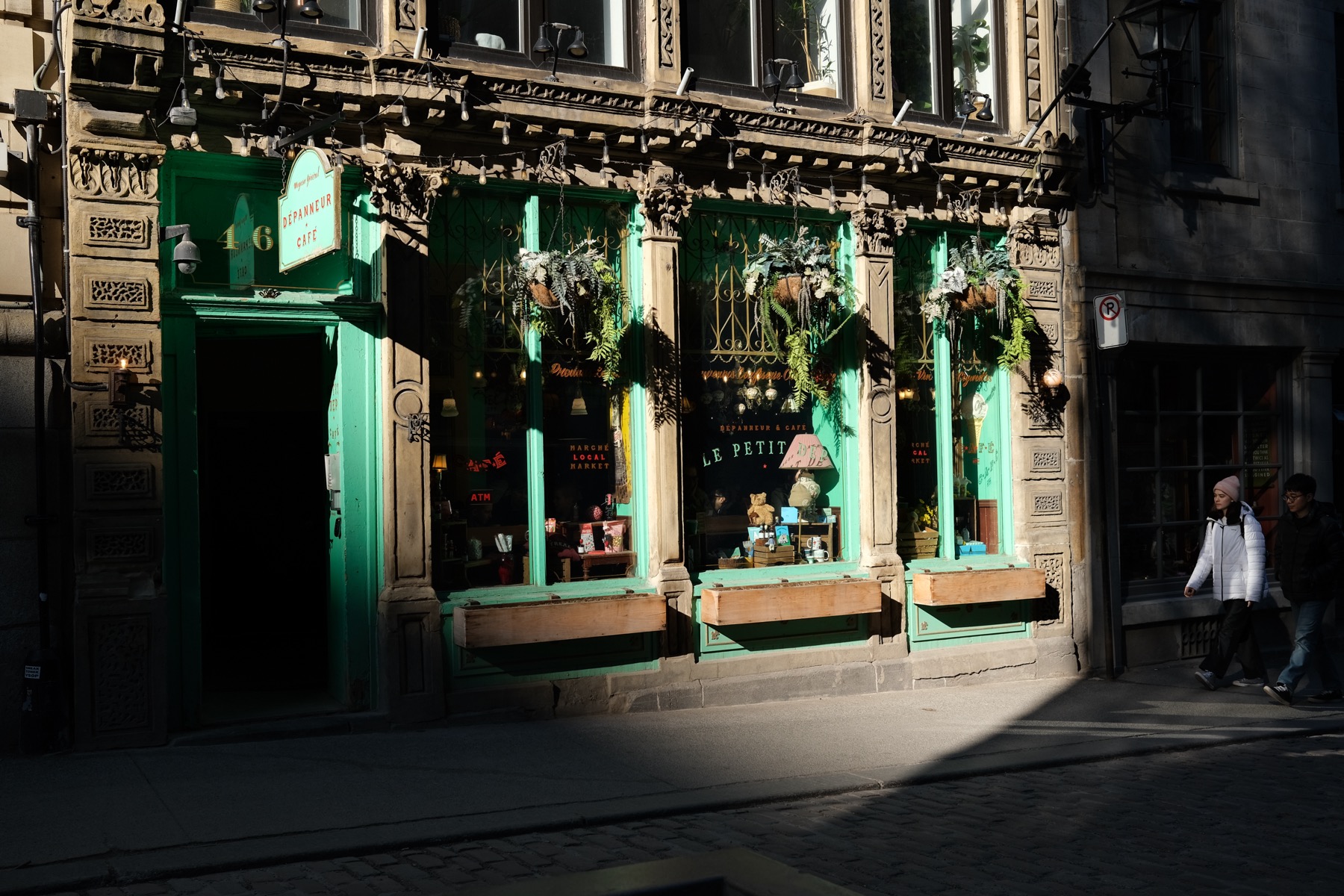
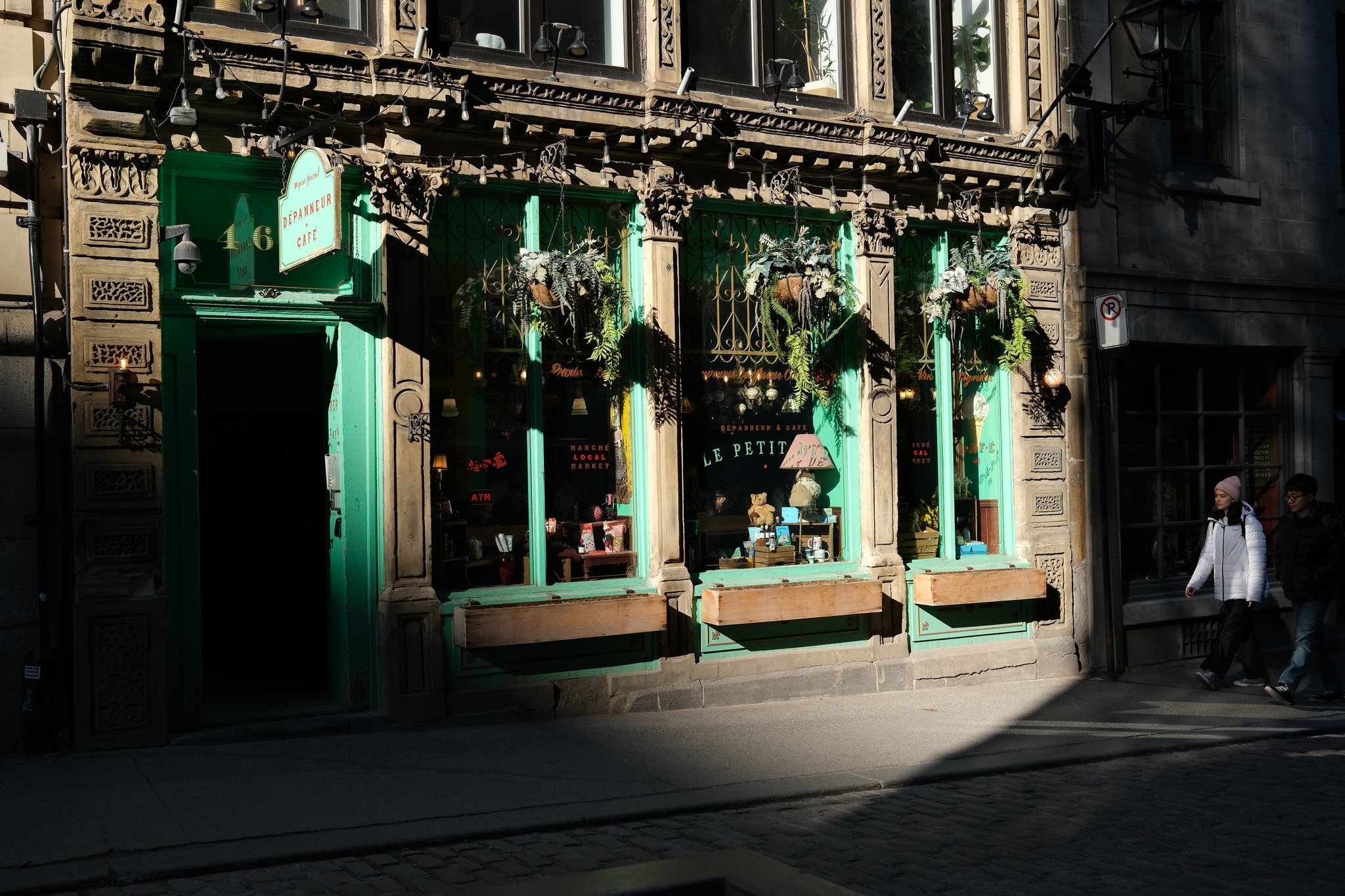
Swipe to compare SDR and Ultra HDR
Sunlit trim, pavement, and window reflections gain HDR intensity while the Provia JPEG remains the visible base.
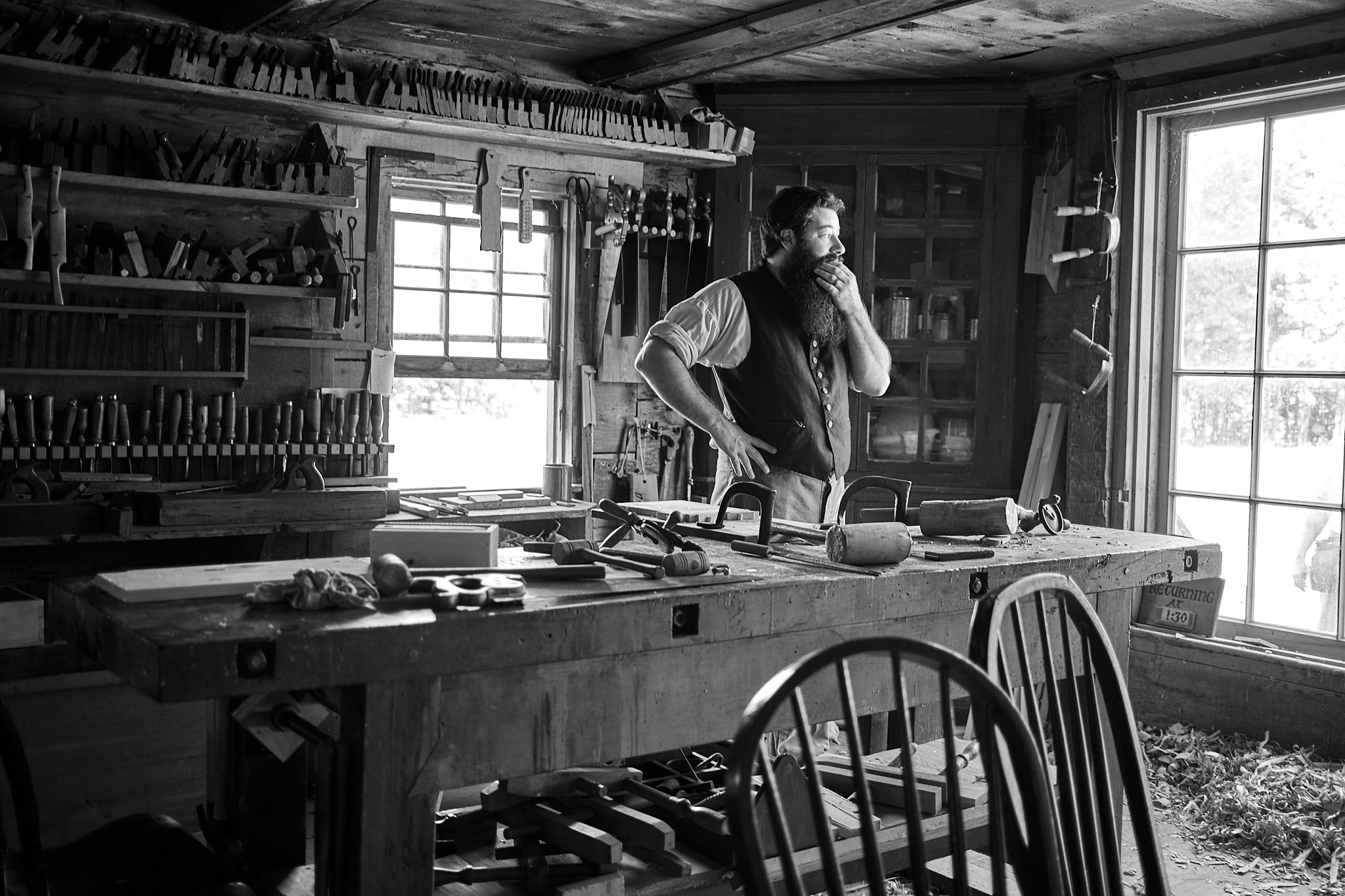
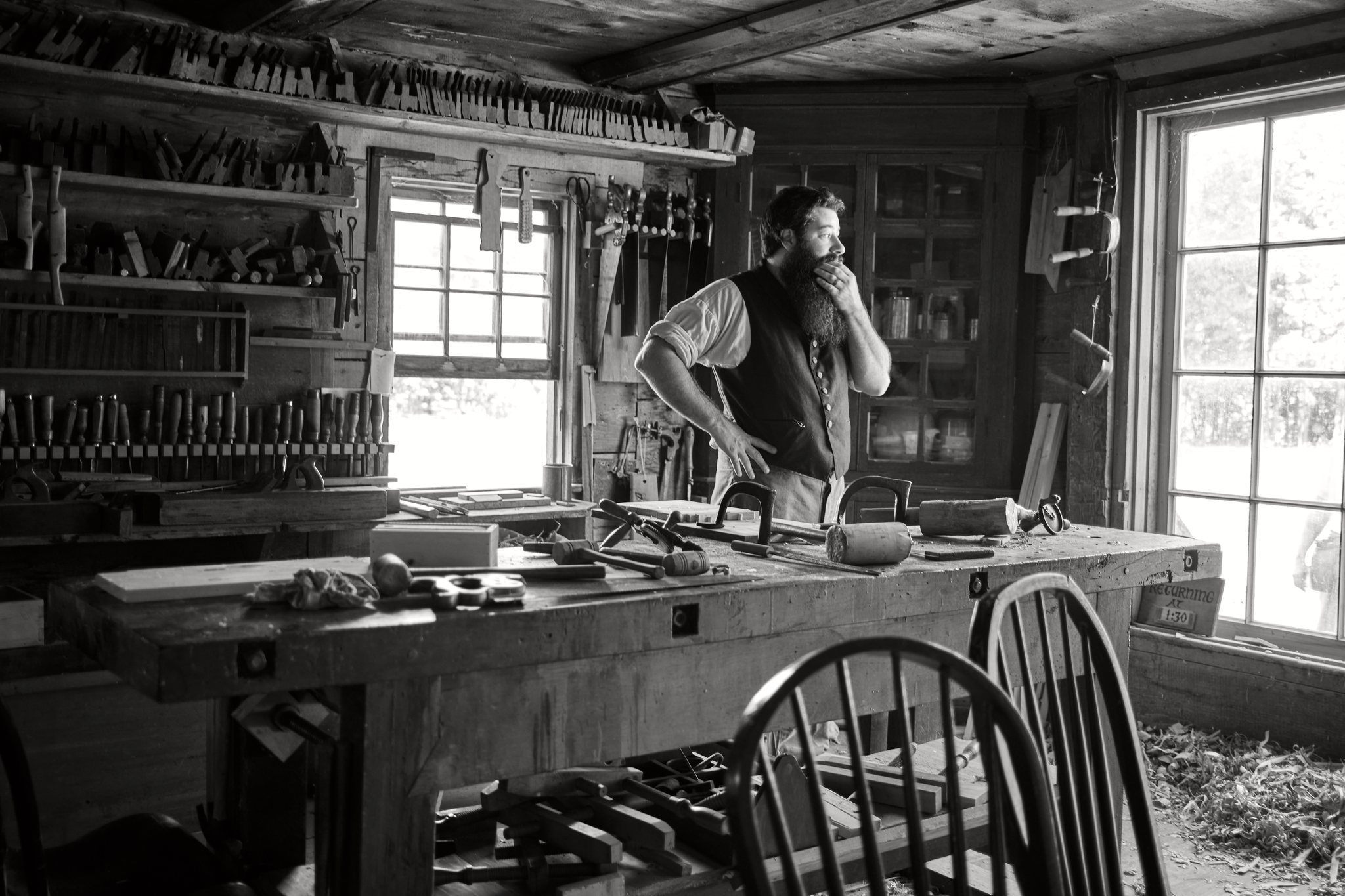
Swipe to compare SDR and Ultra HDR
Bright windows and workshop highlights gain intensity while the black-and-white JPEG stays grounded.
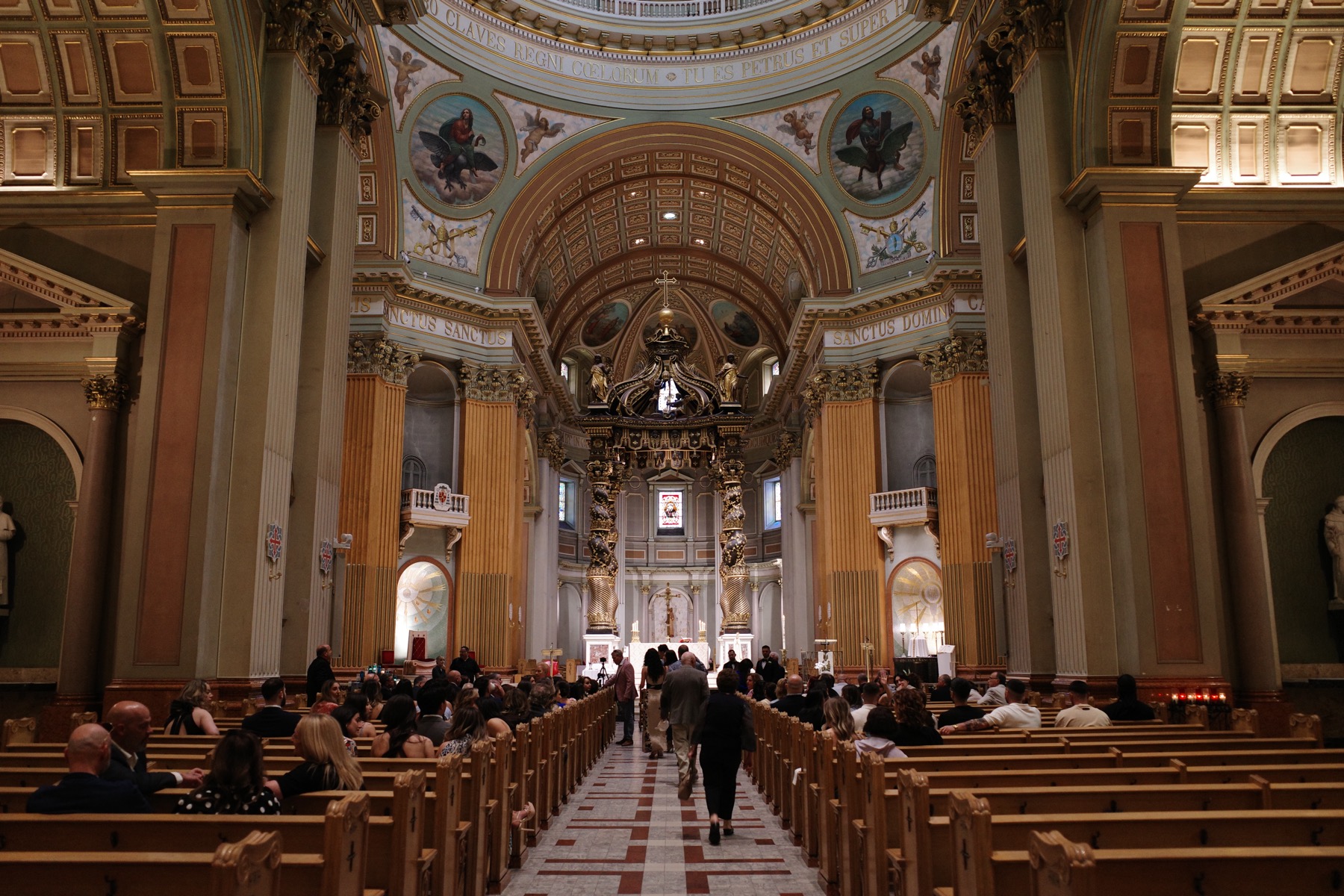

Swipe to compare SDR and Ultra HDR
Chapel openings, ceiling detail, and altar reflections brighten without replacing the camera-made Positive Film look.
Compatibility
Fujifilm X100 series and Ricoh GR series files are the primary support target. Other camera systems may work, but are not officially supported because lens correction can produce alignment differences between a JPEG and its RAW. Try ToneLatch Basic on your own files before buying Plus.
HDR rendering also depends on the viewer, operating system, device, and display. Unsupported viewers show the conventional SDR JPEG embedded in every Ultra HDR export.
Next step
ToneLatch Basic is free, processes your photos locally, and creates both Ultra HDR and Native HDR exports. Your source files are never overwritten.